
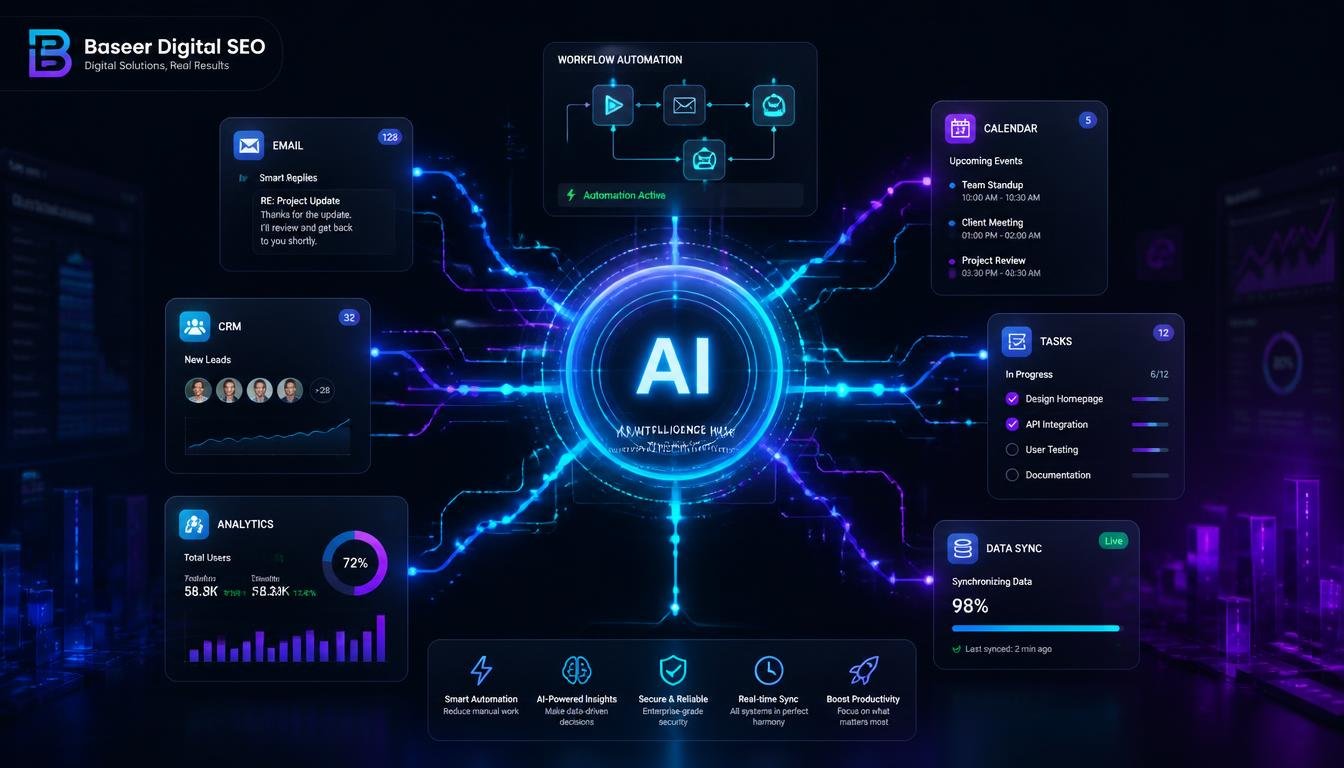
Most people don’t lose hours at work because of one difficult task. They lose them through dozens of small, repetitive activities: copying information between apps, organizing files, following up on emails, summarizing meetings, updating spreadsheets, assigning tasks, and checking whether someone has completed an approval.
Each task may take only a few minutes. Together, however, they can consume a significant part of the working day.
That’s where AI workflow automation becomes useful. Modern workflow automation tools don’t simply follow basic “if this happens, do that” rules. AI can understand text, classify information, summarize documents, draft responses, extract important details, and help determine what should happen next.
For businesses and individuals, this can mean less repetitive work and more time for strategy, creativity, customer relationships, and other tasks that require human judgment.
In this guide, we’ll explore the 10 best AI tools for productivity and workflow automation, what each platform does best, where it fits, and how to choose the right solution for your needs.
What Are AI Productivity and Workflow Automation Tools?
Workflow automation is the process of using software to handle a sequence of repetitive tasks automatically.
For example, imagine that someone fills out a contact form on your website. A traditional automation could create a new CRM record, send a confirmation email, and notify a sales representative.
Traditional workflow automation software usually depends on predefined rules. If the information follows the expected structure, everything works. But if a customer sends a long, unclear email or attaches an unusual document, a basic rule-based system may not know what to do.
This is where AI changes the process.
AI workflow automation tools can understand unstructured information and make context-based decisions. An AI system might read a customer email, identify the customer’s problem, extract important details, determine its urgency, route it to the correct department, and even prepare a draft response.
Today’s solutions generally fall into several categories:
- No-code automation platforms that connect different applications through visual workflows
- Enterprise automation systems designed for large-scale business processes
- AI assistants that help with writing, research, documentation, and project management
- AI agents capable of performing multiple steps with limited human intervention
- Data-driven automation platforms that combine databases, AI, and business workflows
A simple way to think about it is this: AI provides the intelligence, while automation provides the execution.

How AI Tools Improve Productivity and Workflow Automation
The value of AI automation isn’t simply that it makes software “smarter.” The real benefit comes from removing specific sources of repetitive work.
Handling Unstructured Information
Traditional automation works best when information is predictable. AI can work with emails, documents, PDFs, meeting transcripts, support conversations, and other forms of unstructured content.
For example, AI in workflow automation can read an incoming invoice, identify the supplier, extract the amount and due date, and send the information to an accounting system.
That eliminates several manual steps without requiring someone to copy every field themselves.
Reducing Context Switching
Switching between applications may seem harmless, but it creates friction throughout the day.
A good AI automation workflow can move information between your CRM, email platform, project management system, calendar, and storage automatically.
Instead of opening multiple applications to update one customer record, the automation can handle much of that work in the background.
Making Routine Decisions
AI can also help with decisions that are repetitive but require some interpretation.
For example, an automation could:
- Score incoming leads
- Categorize support tickets
- Identify urgent messages
- Summarize customer conversations
- Detect missing information
- Route requests to the appropriate team
- Draft personalized responses
The important point is that AI doesn’t have to replace human decision-making. In many cases, it simply handles the first layer of work so a person can review the result.
A Practical Example
Consider a small digital marketing agency that receives project inquiries through its website.
Instead of manually reviewing every inquiry, an AI automation workflow could read the submission, summarize the client’s requirements, identify the requested service, evaluate the approximate budget, create a CRM record, draft a personalized reply, and notify the appropriate account manager.
The employee still makes the final decision, but most of the repetitive preparation has already been completed.
Top 10 Best AI Tools for Productivity and Workflow Automation
There isn’t one platform that is perfect for every individual or business. Some tools are designed for beginners, while others provide advanced automation, enterprise controls, AI agents, or developer-level customization.
Here are ten strong options to consider.
1. Zapier
Zapier is one of the most recognizable workflow automation platforms, particularly among small businesses, marketers, freelancers, and non-technical users.
Its biggest advantage is its extensive collection of integrations. Users can connect popular applications and create automated workflows without needing to build everything from scratch.
Zapier has also expanded its AI capabilities, making it easier to create workflows using natural-language instructions and incorporate AI-powered actions into automations.
Strengths:
- Large application ecosystem
- Beginner-friendly interface
- Fast setup
- Strong template library
- Useful AI features
Limitations:
- Costs can increase as automation volume grows
- Complex workflows may become difficult to manage
Best for: Freelancers, small businesses, marketers, and teams looking for a simple entry point.
Verdict: One of the easiest ways to start automating repetitive work without technical expertise.
2. Make
Make takes a more visual approach to automation. Instead of simply connecting two applications, users can build detailed scenarios where information moves through multiple steps.
Its visual canvas makes it possible to create branches, filters, conditions, data transformations, and more complex workflows.
For marketers and operations teams, this makes Make especially useful when a basic automation isn’t enough.
Strengths:
- Powerful visual workflow builder
- Advanced branching and logic
- Flexible data processing
- Good support for complex scenarios
Limitations:
- Takes longer to learn than simpler tools
- Complex scenarios can become difficult to maintain
Best for: Users who want more control over AI automation workflows without building everything through code.
Verdict: A strong choice when your automation requirements have moved beyond simple one-step connections.
3. n8n
n8n is particularly attractive to technical teams and businesses that want greater control over their automations.
It can be used through its hosted offering or deployed in environments where organizations need additional control over their infrastructure and data.
The platform supports advanced workflows, integrations, custom logic, code, and AI capabilities.
Strengths:
- Highly flexible
- Advanced customization
- Developer-friendly
- Powerful AI workflow capabilities
- Suitable for complex processes
Limitations:
- Advanced features require more technical knowledge
- Self-hosted deployments require maintenance
Best for: Developers, technical teams, agencies, and organizations that need customizable automation.
Verdict: One of the most flexible AI workflow automation tools for users who don’t want to be restricted by simple automation rules.

4. Microsoft Power Automate
Microsoft Power Automate is a natural option for organizations already using Microsoft 365.
It can connect applications such as Outlook, Teams, SharePoint, Excel, and other business systems. Its AI capabilities can assist with building workflows and processing certain types of business documents and information.
The major advantage is ecosystem integration. Businesses that already rely heavily on Microsoft products can automate processes without introducing an entirely separate technology stack.
Strengths:
- Strong Microsoft 365 integration
- Enterprise management capabilities
- Desktop automation
- AI-assisted workflow creation
Limitations:
- Licensing can be complicated
- Less attractive for organizations outside the Microsoft ecosystem
Best for: Companies heavily invested in Microsoft products.
Verdict: A practical workflow automation software choice for Microsoft-focused businesses.
5. UiPath
UiPath is designed primarily for organizations with more complex automation requirements.
It became well known for robotic process automation and has expanded into AI-powered automation and intelligent business processes.
One of its biggest advantages is the ability to automate tasks involving older systems that may not provide modern APIs.
Strengths:
- Enterprise-scale automation
- Strong governance capabilities
- Suitable for complex business processes
- Useful for legacy systems
- Advanced automation capabilities
Limitations:
- Can be excessive for small businesses
- Implementation requires planning and expertise
Best for: Large organizations automating finance, HR, operations, customer service, and other complex departments.
Verdict: One of the best workflow automation software options for enterprise environments, but probably unnecessary for a small five-person business.
6. Lindy
Lindy takes a slightly different approach by focusing heavily on AI agents.
Instead of manually connecting every individual step, users can describe what they want an AI assistant or agent to accomplish.
Common use cases include email management, scheduling, lead follow-up, research, and other communication-heavy activities.
Strengths:
- Easy AI agent creation
- Useful for repetitive communication
- Quick setup
- Suitable for non-technical users
Limitations:
- AI-driven workflows require testing
- Results can be less predictable than strict rule-based automation
Best for: Founders, sales teams, recruiters, and professionals dealing with large volumes of email and scheduling.
Verdict: An interesting AI automation platform for delegating repetitive tasks that require some interpretation.
7. Notion AI
Notion AI brings artificial intelligence directly into a workspace used for documentation, project planning, knowledge management, and collaboration.
It can summarize information, draft content, answer questions about workspace information, and assist with database-related tasks.
Its main advantage is convenience. If your team already uses Notion, AI features are available inside the same environment.
Strengths:
- Excellent for knowledge work
- Strong documentation capabilities
- AI assistance inside the workspace
- Easy for existing Notion users
Limitations:
- Not designed to replace a full external automation platform
- External application automation is more limited than dedicated automation tools
Best for: Writers, marketers, project teams, researchers, and knowledge workers.
Verdict: A practical AI productivity solution for teams that already organize their work inside Notion.
8. ClickUp
ClickUp combines project management, documentation, tasks, automations, and AI features in a single platform.
Its AI capabilities can assist with writing, summarizing discussions, generating task information, and keeping teams updated.
Because automation is built into the broader work-management environment, it can be useful for teams that don’t want to manage separate applications for every part of their workflow.
Strengths:
- All-in-one work management
- Project management and automation together
- AI writing and summarization
- Strong task management
Limitations:
- Large feature set can feel overwhelming
- Teams may need time to configure the platform properly
Best for: Teams that want project management, documentation, automation, and AI in one environment.
Verdict: A solid option for organizations looking to use AI for workflow automation inside their existing project management system.
9. Airtable
Airtable combines the simplicity of spreadsheets with database functionality and automation.
It is particularly useful when workflows revolve around structured information. Teams can use it for content calendars, inventory management, CRM-style systems, project pipelines, and internal databases.
Its AI capabilities can help classify information, summarize records, and extract useful details.
Strengths:
- Flexible database structure
- Strong customization
- Useful automation features
- Excellent for structured business data
Limitations:
- Requires thoughtful database design
- Costs can increase as usage expands
Best for: Operations teams, marketers, content teams, and businesses managing structured data.
Verdict: A strong choice when your AI automation workflows depend heavily on organized information and databases.
10. Otter.ai
Otter.ai focuses on meetings rather than general-purpose automation.
It can record and transcribe conversations, generate summaries, identify action items, and make meeting information easier to search and share.
While it isn’t a complete workflow automation platform, it can become an important part of a larger workflow.
For example, meeting notes could be sent to a task management system through another automation tool, turning conversations into actionable work.
Strengths:
- Meeting transcription
- Automatic summaries
- Action-item extraction
- Easy sharing
Limitations:
- Narrower focus than general automation platforms
- Requires another tool for broader workflow automation
Best for: Teams that spend significant time in meetings, interviews, calls, or consultations.
Verdict: A focused productivity tool that becomes even more useful when connected with other automated workflow tools.
Quick Comparison
| Tool | Ease of Use | Automation Depth | Best For |
|---|---|---|---|
| Zapier | Very High | Moderate | Beginners and small teams |
| Make | High | High | Complex visual workflows |
| n8n | Moderate | Very High | Technical teams |
| Power Automate | Moderate | High | Microsoft environments |
| UiPath | Moderate | Very High | Enterprise operations |
| Lindy | High | Moderate | AI agent workflows |
| Notion AI | Very High | Low–Moderate | Knowledge work |
| ClickUp | High | Moderate | Project management |
| Airtable | Moderate | Moderate–High | Data-driven workflows |
| Otter.ai | Very High | Low | Meetings and transcription |
How to Choose the Right AI Workflow Automation Tool
The best workflow automation tools are not necessarily the platforms with the longest feature lists. The right choice depends on your specific processes, technical skills, applications, budget, and security requirements.
Start With One Repetitive Process
Don’t begin by trying to automate your entire company.
Choose one process that happens frequently and consumes unnecessary time.
Examples include:
- Lead qualification
- Customer onboarding
- Invoice processing
- Weekly reporting
- Meeting follow-ups
- Email categorization
- Content approval
- Data entry
Once that workflow works reliably, you can expand.
Match the Platform to Your Technical Skills
If your team has no developers, a visual no-code AI workflow automation platform is usually the easiest starting point.
Zapier and Make are good examples.
Technical teams may prefer n8n or other platforms that provide deeper customization and coding options.
Check Integrations Before Everything Else
A sophisticated AI workflow automation platform is useless if it cannot connect to the applications your business already depends on.
Before purchasing anything, confirm that the platform supports your:
- CRM
- Email provider
- Project management software
- Calendar
- Cloud storage
- Communication tools
- Accounting software
- Database
Think About Cost at Scale
Don’t evaluate pricing only according to your current usage.
An automation that processes 100 tasks per month may be inexpensive. The same workflow processing 10,000 tasks could have a very different cost.
Consider how pricing changes as your business grows.
Don’t Ignore Security
AI automation can involve sensitive customer information, financial records, internal documents, or business data.
Review:
- User permissions
- Data handling
- Access controls
- Audit logs
- Data retention
- Compliance requirements
This becomes especially important when using business process automation tools in larger organizations.
Benefits of AI Workflow Automation
The practical benefits of AI automation tools go far beyond saving a few minutes.
1. More Time for High-Value Work
Automating repetitive tasks allows employees to focus on strategy, creativity, customer relationships, and problem-solving.
2. Fewer Manual Errors
When information is repeatedly copied between systems, mistakes are inevitable. Automation can reduce unnecessary manual data entry.
3. Faster Response Times
Automated systems can process incoming leads, requests, and support tickets immediately instead of waiting for someone to notice them.
4. More Consistent Processes
A properly designed automation follows the same process every time, improving consistency across departments.
5. Easier Scaling
Businesses can often increase workflow volume without increasing administrative work at the same rate.
6. Better Visibility
Automated workflows can create logs and notifications that make it easier to see where a process is succeeding or failing.
For small businesses, these advantages can be especially valuable. Automation may allow a small team to handle workloads that would otherwise require additional administrative staff.
Common Mistakes to Avoid When Using AI Automation Tools
AI automation is powerful, but it isn’t magic. Poor implementation can create new problems instead of solving old ones.
Automating a Broken Process
If a workflow is inefficient manually, automating it won’t necessarily fix it.
First understand the process. Remove unnecessary steps. Then automate what remains.
Automating Everything at Once
Large automation projects can become complicated very quickly.
Start with one workflow, measure the results, improve it, and then move to the next.
Removing Human Oversight Too Quickly
Customer-facing messages, financial transactions, sensitive information, and other high-impact actions may require human approval.
A good system knows when to automate and when to ask for human input.
Ignoring Data Quality
AI systems are only as reliable as the information they receive.
Duplicate records, missing fields, inconsistent naming, and outdated information can create poor automation results.
Forgetting Security
Don’t give every automation access to every application.
Use the minimum permissions required and regularly review which tools can access sensitive information.
Using Too Many Platforms
Collecting a different AI automation platform for every small task can create a fragmented technology stack.
Where possible, choose platforms that can handle multiple related workflows.
Future of AI Workflow Automation
The future of AI workflow automation is moving beyond simple triggers and predefined rules.
Traditional automation might require someone to design every step manually. Emerging AI systems can increasingly understand a desired outcome, plan multiple actions, use different tools, and adjust when something unexpected happens.
This shift is making workflow automation AI more capable of handling complex processes.
For example, instead of creating a workflow that simply sends an email when a lead enters a CRM, an AI agent could potentially analyze the lead, research relevant information, personalize an outreach message, schedule follow-ups, update the CRM, and notify a salesperson when human intervention is required.
However, greater autonomy also creates greater responsibility.
Businesses will need to pay attention to security, permissions, accuracy, monitoring, transparency, and human oversight.
The most successful organizations won’t necessarily be the ones that automate everything. They’ll be the ones that understand where AI should make decisions, where automation should execute tasks, and where humans should remain in control.

Frequently Asked Questions
What is AI workflow automation?
AI workflow automation uses artificial intelligence to understand information, make routine decisions, and execute multiple steps within a business process with limited manual intervention.
What are the best AI workflow automation tools?
The best option depends on your requirements. Zapier and Make are strong choices for many small teams, n8n provides greater flexibility for technical users, Power Automate works particularly well in Microsoft environments, and UiPath is designed for complex enterprise automation.
How does AI improve productivity?
AI can summarize information, classify content, draft responses, extract data, organize tasks, and handle repetitive processes. This allows people to spend more time on work that requires creativity and judgment.
What is the difference between AI automation and traditional workflow automation?
Traditional automation generally follows predefined rules. AI-powered automation can interpret less-structured information and make context-based decisions before triggering the next action.
Can small businesses use AI workflow automation?
Absolutely. Many AI workflow tools are designed for non-technical users. A small business can begin with something simple, such as automating lead follow-ups, appointment scheduling, customer emails, or reporting.
What is no-code AI workflow automation?
No-code AI workflow automation allows users to create automated processes through visual interfaces or natural-language instructions instead of writing traditional code.
Are AI automation tools difficult to use?
Many modern platforms are designed for beginners and provide templates, visual builders, and guided setup. More advanced workflows can still require technical knowledge and careful testing.
How should a business choose workflow automation software?
Start by identifying one repetitive process. Then check integrations, ease of use, AI capabilities, pricing, scalability, security, and the level of technical expertise required.
Conclusion
AI is changing workflow automation from a collection of simple triggers into a much more intelligent way of managing repetitive work.
The right tool can help a business process information faster, reduce manual errors, respond to customers more quickly, and give employees more time for meaningful work.
There is no single platform that is best for everyone.
Zapier is a strong starting point for beginners and small teams. Make is useful for more complex visual workflows. n8n provides flexibility for technical users. Power Automate is a natural choice for Microsoft-focused organizations, while UiPath is better suited to large enterprise operations.
For knowledge work, tools such as Notion AI and ClickUp can improve everyday productivity, while Airtable is particularly useful for data-driven processes and Otter.ai can turn meetings into actionable information.
The smartest approach is to start small.
Choose one repetitive process that wastes time every week. Map out the steps, select an appropriate AI automation workflow, test it carefully, and measure the result.
Once you see a real improvement, expand to the next process.
That’s how AI workflow automation becomes more than another technology trend—it becomes a practical system for helping people work faster, smarter, and with less unnecessary busywork.





Leave a Reply